
Free NeuForm resource
Universal
Training Log.
The Universal Training Log gives lifting, cardio and mobility a place on the page. Record what happened, then bring clearer information to your next session.
Printable PDF · delivered by email. Optional training updates are a separate choice on the request form.
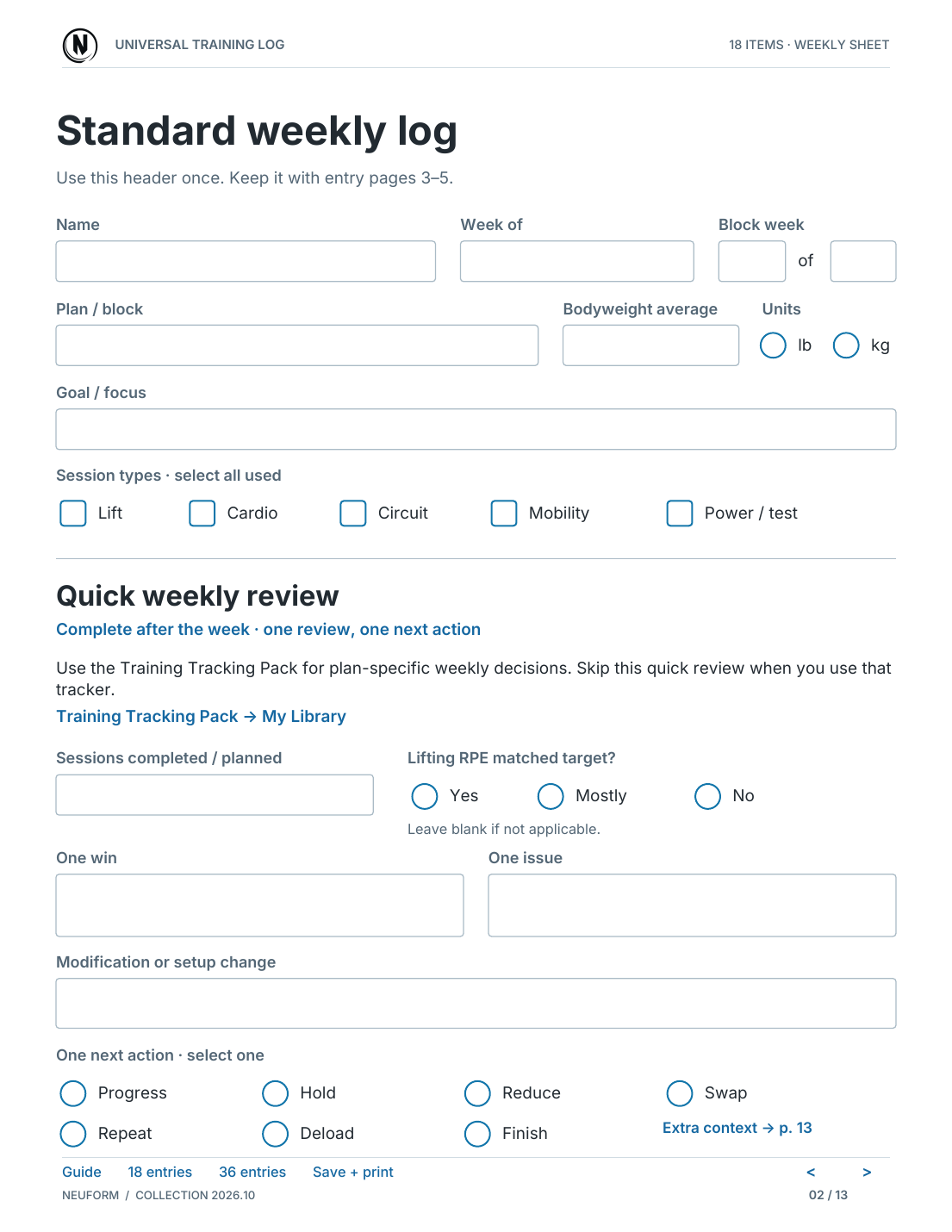
Inside the log
A record you can return to.
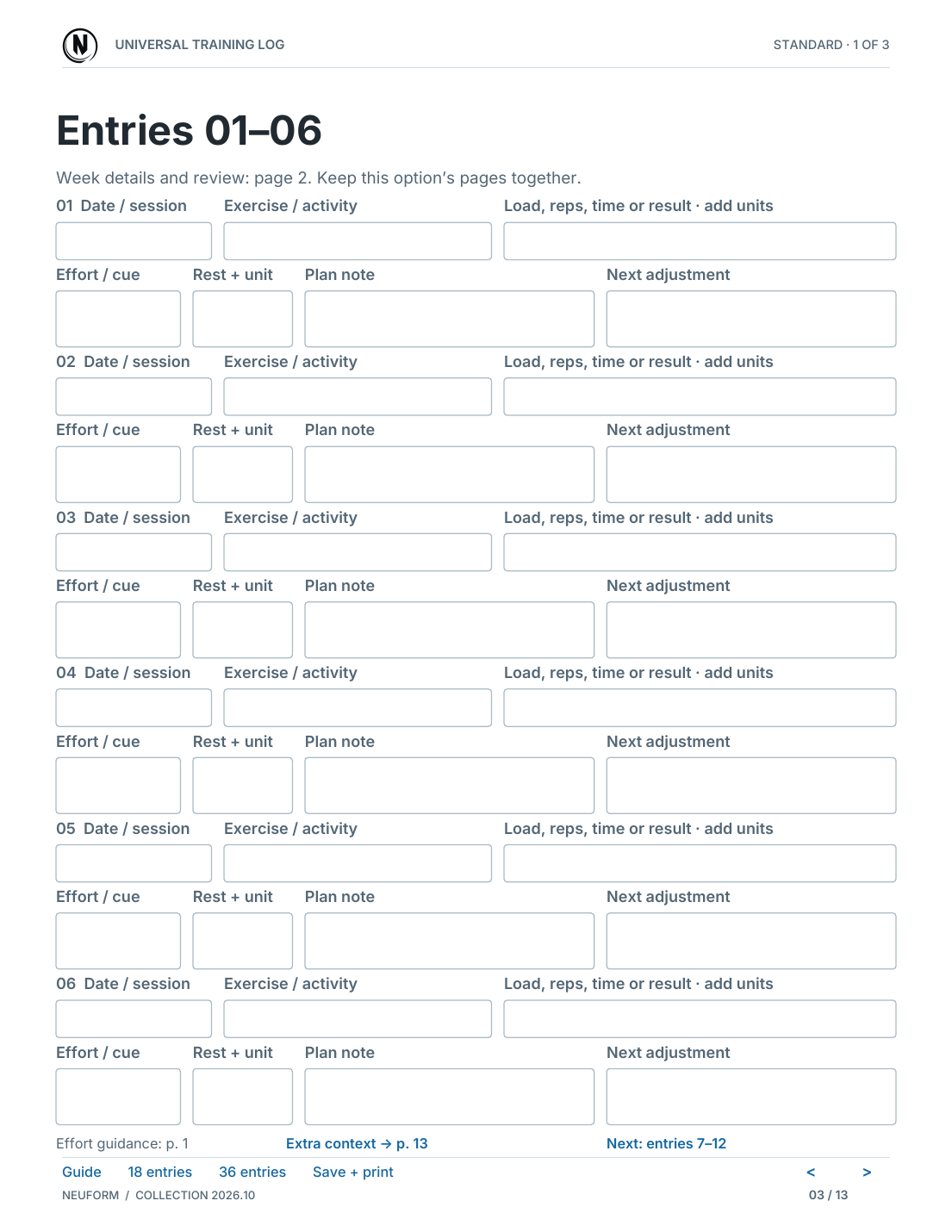
Preview the real sheets before requesting the resource. These are document excerpts, with fields left blank.
Make the record useful
Keep it simple.
Keep it comparable.
You do not need to record everything. Start with the information you will actually use when reviewing the next session.
Choose your format
Print the PDF or use its fillable fields in a compatible PDF reader. The account resource offers standard and 36-row formats; choose the space that fits your session.
Record the work you completed
For lifting, note the exercise, load, sets and reps. For cardio or mobility, record the activity and time. Add effort or setup notes when they help explain the session.
Review before changing the plan
Compare similar exercises and conditions. Look for repeatable patterns rather than letting one unusually good or difficult session decide everything.
A worked example
Useful notes explain the numbers.
Illustrative entry only. This is an example of recording a session, not a workout prescription or a result claim.
| Exercise | Completed work | Effort | Note for next time |
|---|---|---|---|
| Dumbbell row | 3 sets × 10 reps 25 lb per hand | RPE 7 | Same bench setup; controlled reps. Compare the next session using the same setup. |
Save a copy of any filled PDF and keep your own backup. Filling a downloaded PDF does not automatically sync those entries to a NeuForm tool.
Choose your next step
Put the next session on record.
Request the free log through the existing email-delivery form. If you already have a NeuForm account, you can also check the included resources in My Library.